Free Group Trip Expense Splitter: Track Who Paid What on Vacation
A free group trip expense splitter that handles the messy parts: shared access on every phone, advance deposits, unequal room splits, and a clean settle-up at the end.

Arun Andiselvam

Somebody books the villa. Somebody else buys the groceries. One person covers dinner on night two because everyone else's cards were upstairs, and by day four nobody has a clear picture of who owes what to whom. This is how almost every group trip goes. It's why a group trip expense splitter is one of the few travel tools that pays for itself before you even leave the airport.
The good news is that you don't need a spreadsheet, a group chat full of screenshots, or one very patient friend playing accountant. You need a shared ledger that everyone can see and update. It should handle the awkward parts, like advance deposits, unequal room splits, and the friend who skipped the rental, and it should tell you at the end exactly who pays whom.
This article covers the parts most tools get wrong. Logging an expense is easy. What happens next, who can edit it, how deposits get counted, how you get your money back without sending four reminder texts, is where trips actually fall apart.
The Problem With Most Group Trip Expense Splitters
Nearly every tool in this category does the basics competently. You add an expense, pick who it was for. The app shows a running balance. That part has been solved for years, and any decent free group trip expense splitter will handle it.
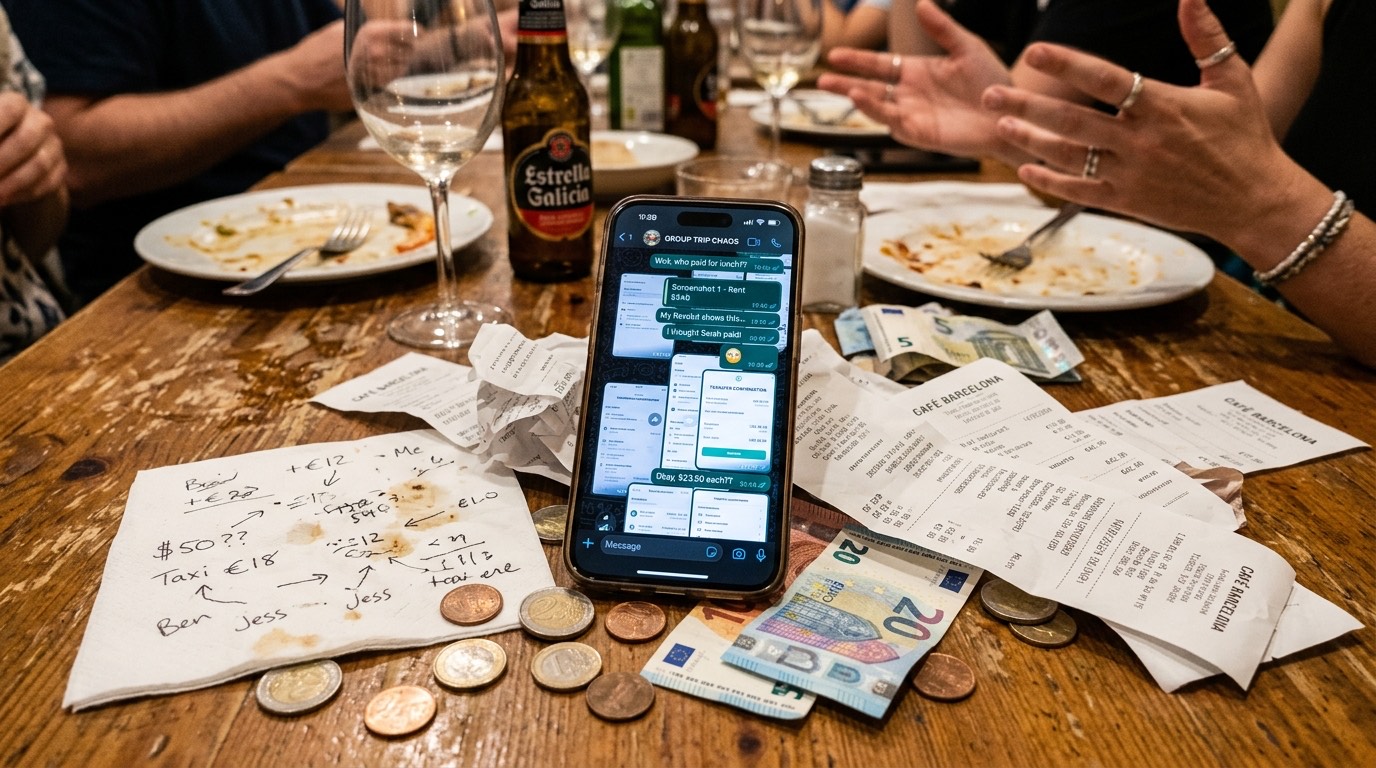
Where these tools break down is the messy middle of a real vacation. A deposit gets paid three months before departure and nobody remembers to log it. Someone edits a dinner entry on day five and the running total shifts by $60 with no explanation. Four people share a villa but two of them have the master suite and the other two are in bunk beds, and the app only offers an even split. One person doesn't join the rental at all but still gets charged a share, because excluding them is buried three menus deep.
When you're comparing options and trying to find the best group trip expense splitter for your crew, the questions worth asking aren't about whether it can split a dinner bill. Ask instead what it does on day six when the numbers stop matching. That is the ground this article covers: access across devices, edit control, advance payments, unequal splits, and the settle-up.
We'll be straight with you about where our own app, Zedger, fits in, and about what the free tier does and doesn't cover.
Multiple People, Several Devices: Can Everyone Access the Same Trip at Once?
It's the first question that comes to people's minds, and asking it makes sense. If only one person can add expenses, that person becomes a data-entry clerk for the whole vacation. They get handed receipts at breakfast, forget half of them by lunch, and the ledger ends up incomplete anyway.
A trip ledger only works when every member logs their own spending from their own phone, as it happens. Someone pays for the taxi, opens the app, adds it in fifteen seconds. Someone else buys coffee for five people and does the same. Nobody has to remember anything at the end of the day.
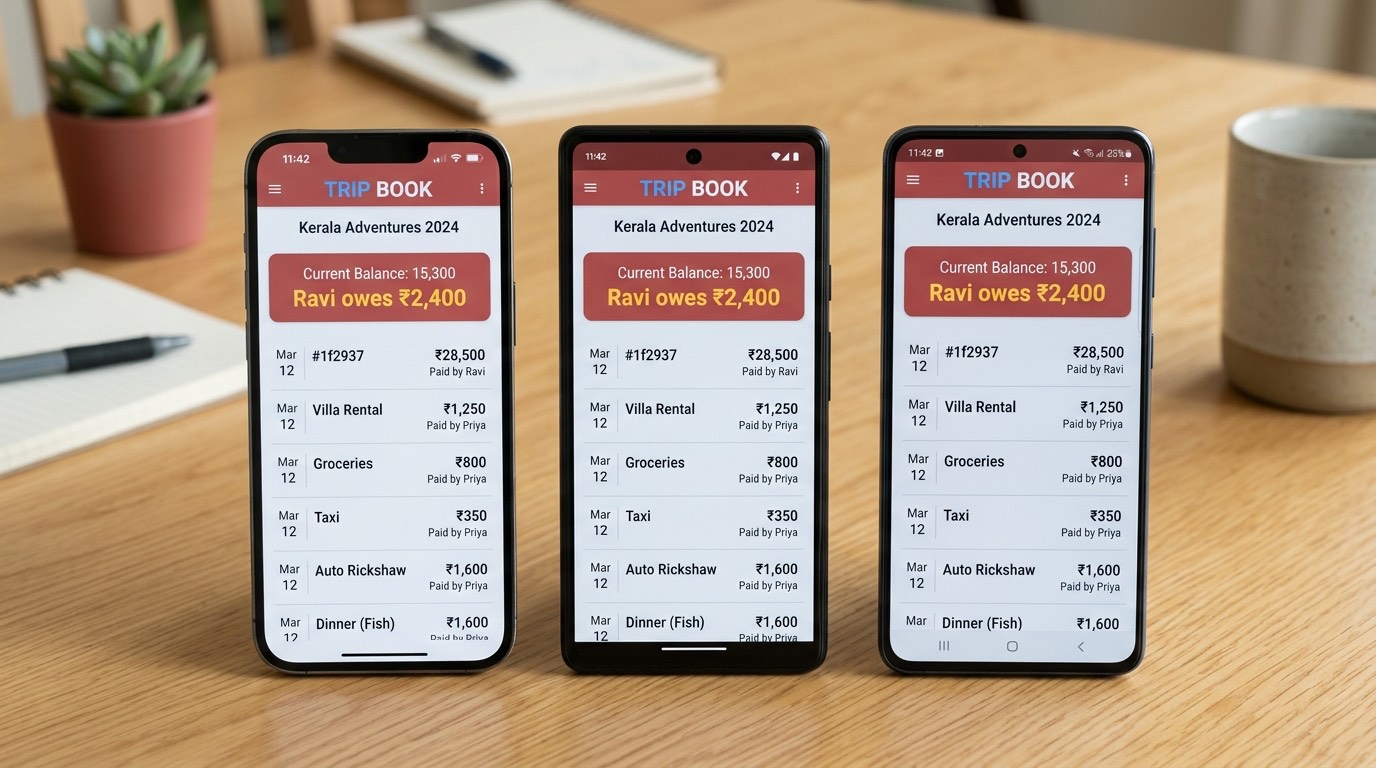
In Zedger, this is what a Trip Book is. You create the Book, invite your group, and every member sees the same live ledger on their own device. When your friend adds the boat rental in Croatia, you see it on your phone in Chicago. Balances recalculate for everyone at once, with no exporting and no asking for a screenshot of the list.
Travel connectivity being what it is, the more important half of this is offline-first logging. You can add an expense on a flight, halfway up a hiking trail, or in a rural guesthouse with a wifi password that has never worked for anyone. The entry saves on your device immediately and syncs the moment you're back on a signal. You're never stuck choosing between logging it now with no connection or trying to remember it later, which is the point where most trip ledgers start losing entries. That matters more than it sounds.
Stopping Accidental (or Intentional) Edits to Shared Expenses
No record, no notification, no trace. Picture it: on day three, the total says one thing, and on day six, it says something $85 different, and nobody can explain why.
Maybe someone was trying to fix a typo and deleted the wrong line. Maybe someone "corrected" a split they disagreed with. Maybe it was a genuine accident on a small phone screen.
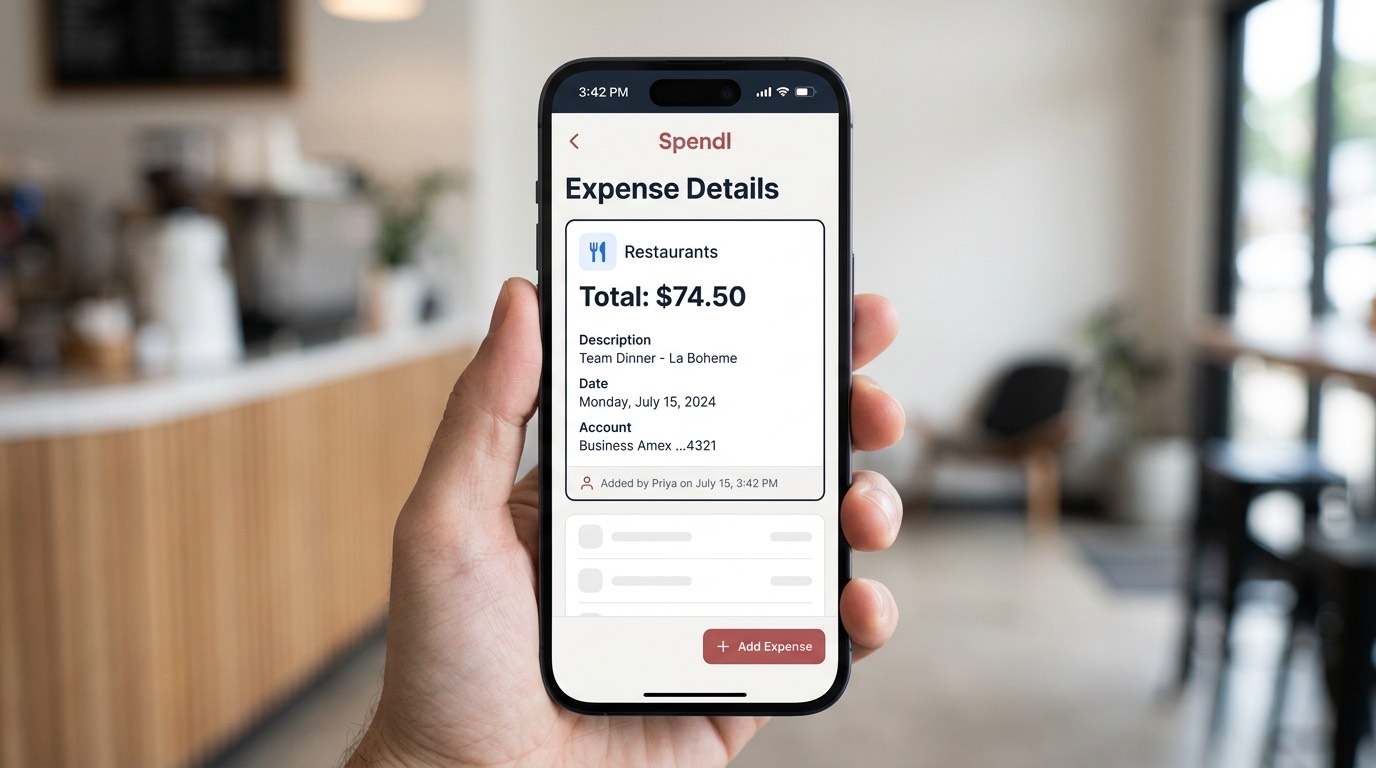
Trust in the ledger is the whole product. Once the group stops believing the running total, you're back to screenshots in the group chat.
Can you see who created each entry? Is there a record of edits? Can the person who organized the trip control who has permission to change things, or is every member effectively an administrator? That's a two-minute conversation instead of a two-day undercurrent of suspicion.
Logging Advance Payments Without Losing Track
Almost every trip starts spending money long before it starts. A rental deposit in March for a trip in July. Four flights booked on one person's card because they had the miles.
These advance payments are the single most commonly mishandled part of group trip accounting, for two opposite reasons. The fix is to log the advance the day you pay it, as its own entry, with its own date and the correct payer. An entry in the Trip Book, dated when the money actually left someone's account.
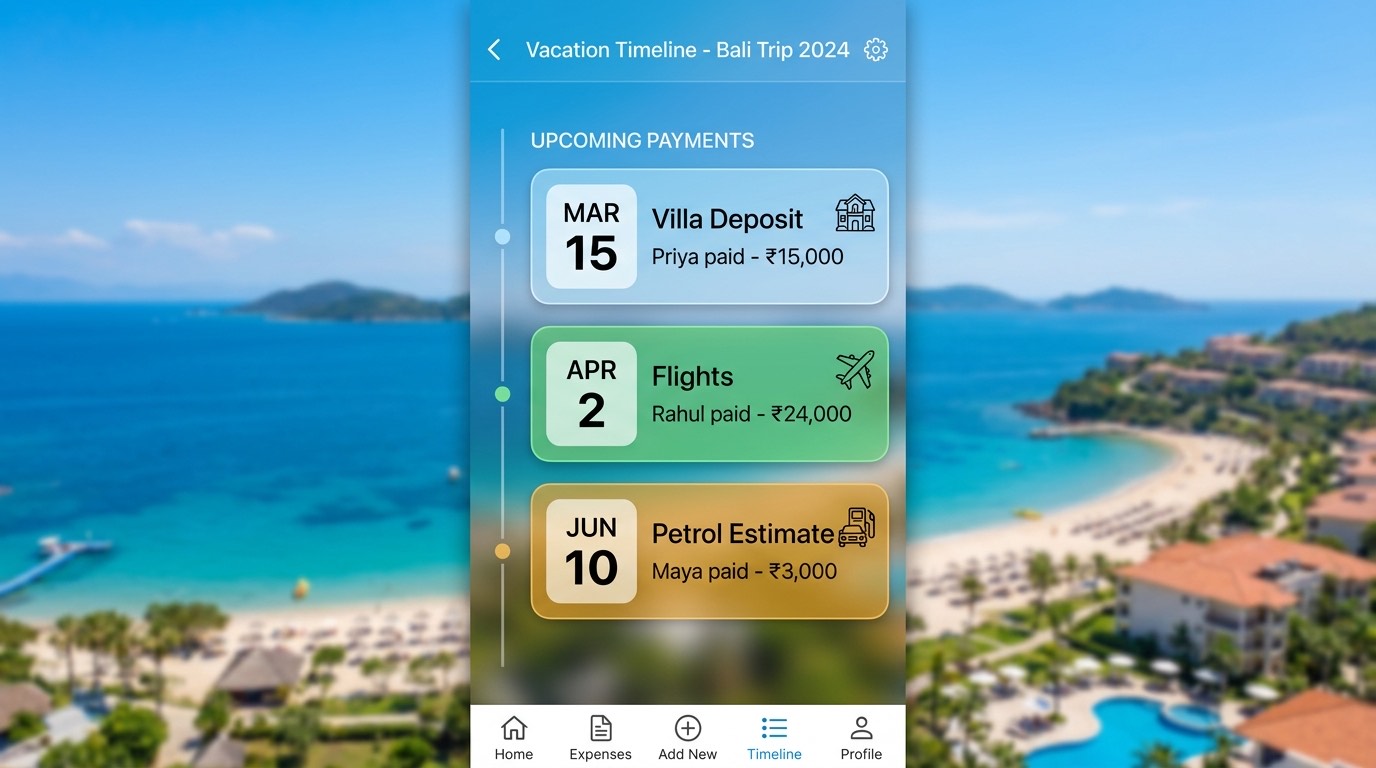
With Zedger, this is why we suggest creating your Trip Book the moment the trip is decided, not the night before you leave. The Book exists as soon as the first deposit does. The running balance reflects both, in order, with no arithmetic on anyone's part.
Partial payments work the same way. If three people chip in toward a rental across a few weeks, each contribution is its own entry. At settle-up, the ledger already knows the group has covered $2,400 of a $3,000 rental and exactly who covered which portion. You're not reconstructing anything from memory.
Splitting Unequal Accommodations Fairly
Nobody has a good instinct for this one. It's the question that comes up in every trip planning chat, and it rarely gets a clean answer. How do you split a vacation rental when the rooms aren't equal?
The scenario is always some version of this. A six-bedroom house, $4,000 for the week. Two couples take the two en-suite rooms. Three friends split a bunk room. One person gets the converted office with a pull-out couch. Splitting $4,000 six ways charges the person on the pull-out the same as the couple with a private bathroom and a balcony, which nobody thinks is fair, including, usually, the couple.
Percentage split. Assign each room a share of the total based on what it's worth. The en-suites carry 22% each, the bunk room carries 8% per person, the office room carries 12%. The percentages have to add to 100, and the conversation about what each room is worth happens once, before the trip, when everyone is relaxed and generous rather than tired and counting.
Unequal amounts. Sometimes it's simpler to just assign dollar figures. This room is $900, that one is $600, the bunks are $400 each. Same idea, less math anxiety, and it works well when the rental listing already prices rooms separately.
Exclude members entirely.
Zedger supports all four splitting modes, equal, percentage, unequal, and exclude-member, on any entry, so you can use equal for the group dinner and percentage for the villa without leaving the same Trip Book. The practical advice we'd give: settle the accommodation split before anyone books, write it into the Book as the first entry, and never revisit it. Retroactive fairness arguments on day five have no winners.
Why Group Trips Turn Into Financial Drama
It's worth naming the real problem plainly, because it isn't math. Not out of malice, out of drift, as weeks pass. That's the actual damage.
It's just there, the same way a shared calendar is just there. That's the single most useful thing a group trip expense splitter does, and it has nothing to do with arithmetic. It removes the debt-collector role from your friendship group entirely, because no one person owns the numbers.
Collecting What You're Owed Without Being "That Friend"
You know the feeling. You've sent two messages. Both were friendly. Both included an emoji to soften them, and neither got a reply, so now you're composing a third and hating every word of it.
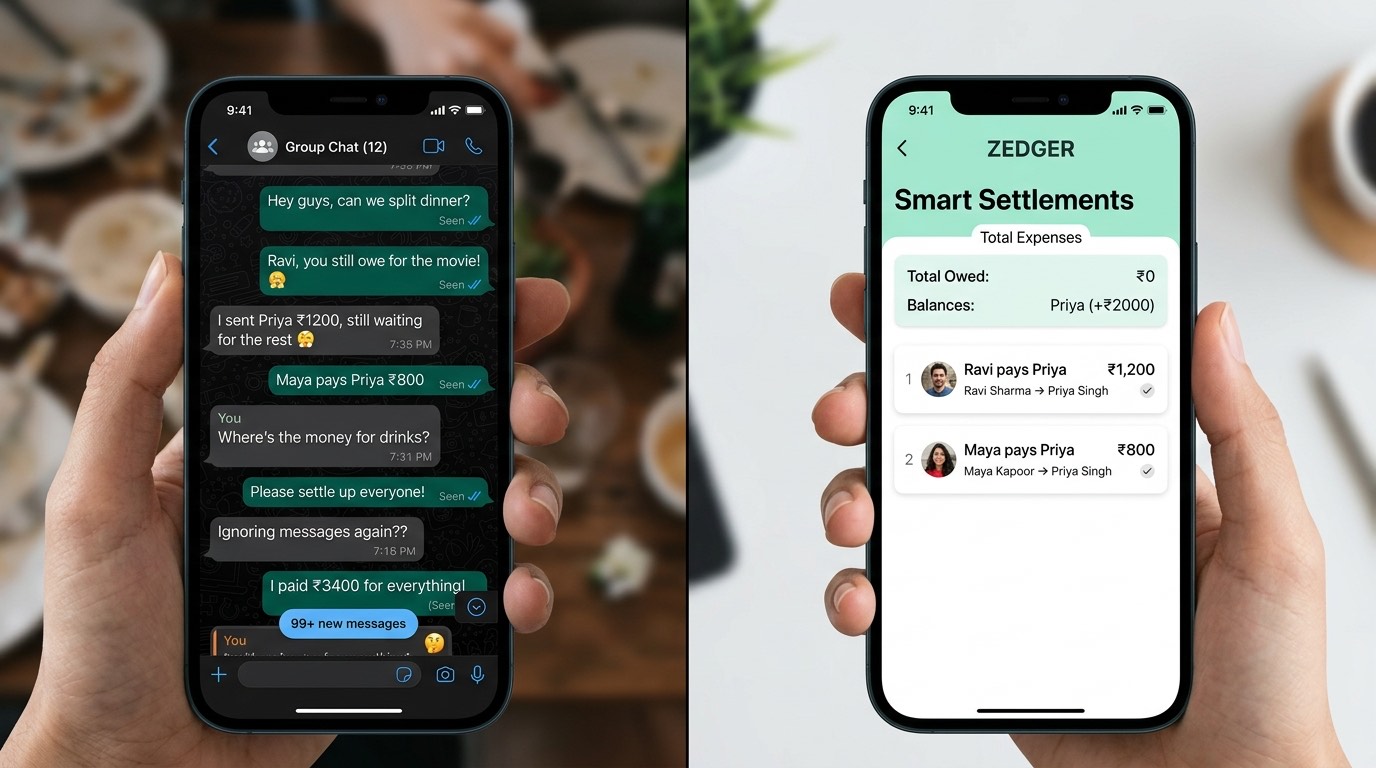
A shared running balance takes most of that pressure off before it builds.
The second half is making the payout itself simple. It's tedious enough that people put it off, and putting it off is how balances go unpaid. Zedger's Smart Settlements handles that: one tap, and the group has a straightforward list. This person sends this amount to that person. Done.
Why a Purpose-Built Trip Book Beats a Generic Expense List
A lot of people try to split expenses online free by dropping everything into one long list, trip costs, rent, the group gift for a coworker, all in the same feed. It works for about a week.
The problem is that different kinds of shared money have different shapes. Trip expenses are bursty and finite. A lot of activity across ten days, then a settle-up, then nothing. Household costs are steady and ongoing. Rent and utilities repeat monthly with the same people and the same amounts. Jamming everything into one ledger means you can never answer a uncomplicated question like "what did this trip actually cost us?" without filtering and squinting.
Same app, same interface, different containers. Nothing bleeds between them, and when you look at a Trip Book six months later you see exactly one trip.
If you want the full picture of how the travel side works, our Travel Expense Splitter page walks through it in detail, including multi-currency handling for trips that cross borders.
What About Using Your Phone's Built-In Payment App Instead?
This comes up a lot, and it's a reasonable question.
A payment app confirms that a transfer happened. You sent $40 to Dani on Tuesday. It doesn't know why.
Over a week-long trip with six people and forty-some expenses, that context is the entire problem. Payment history becomes a flat list of transfers with no relationship to the costs that caused them. Reconstructing who owes what from a payment feed is genuinely harder than starting from scratch.
A split bill online calculator is closer to what you need, but most of them solve a single moment, one restaurant check, one tip, one tab divided among however numerous people are at the table. That's genuinely valuable when you're standing at a counter, and a split bill online calculator will get you through dinner. It just doesn't carry forward. Day two has no memory of day one.
Then you use your payment app to execute the transfers the ledger tells you to make. The two tools aren't competing. One tracks, one pays.
Switching From Another App? What to Check First
If you've used something else before, you probably have specific worries. Let's take them honestly.
"My old app changed its name and I'm not sure what happened to my data." Fair concern. The practical move before switching anything: export or screenshot your current balances first, settle whatever's outstanding, and start the new tool with a clean trip rather than trying to migrate history.
"I don't want to link my bank account." You never will with us. Zedger doesn't ask for bank credentials, UPI access, OTPs, or read access to any account. We can't see your transactions and we don't want to. Everything in a Book is entered by people, which is also why offline logging is possible at all.
"Where does my data live?" You can keep sensitive data stored locally on your device rather than only on our servers. Your financial details aren't a product we sell.
"Is the free tier actually usable?" For a single trip, yes, and we'd rather you test that than take our word for it. The free plan covers up to 4 Books, 10 members, and 6 months of history. A typical vacation group fits inside that comfortably, one Trip Book, eight friends, settled within weeks. Using a group trip expense splitter template free of charge in a spreadsheet gets you a static grid with no live sync. The free tier here gets you the real thing, shared across everyone's phones.
Where you'll hit the ceiling is if you travel constantly, run trips with larger groups, or want access to older trips for tax or reimbursement reasons. That's what Pro is for at $1 a month, and VIP at $1.99 a month removes the caps on Books and members entirely.
Getting Started With a Free Group Trip Expense Splitter
Here's the workflow that keeps trips clean, start to finish.
Create the Trip Book early. As soon as the trip is real, before flights, before the deposit. The Book should exist before the first dollar does.
Add everyone immediately. If someone joins the trip late or only for part of it, add them then. You can exclude them from expenses that predate their involvement.
Settle the accommodation split first. Agree on percentages or amounts for rooms before anyone books, and enter the rental as your first real expense with that split applied. Do it once, then leave it alone.
Log advance payments as they happen. Deposits, prepaid tours, flights booked on one card. Each one its own entry, dated accurately, credited to the right person.
Log everything during the trip, not after. Fifteen seconds at the table beats an hour of reconstruction on the flight home. Offline entries sync later, so poor connectivity is not an excuse to skip it.
Use the right split for each cost. Equal for the group dinner, unequal for the villa, exclude-member for the excursion three people skipped. Matching the split to reality is what stops small resentments from forming.
Run Smart Settlements at the end. Let it calculate the minimum set of transfers, share the result with the group, and execute the payments through whatever method you already use.
Seven steps, and the last one is usually the only one that takes any thought. That's the whole point of using a free group trip expense splitter instead of a notes app.
FAQ
Can many people add expenses to the same trip at the same time? Yes. Everyone you invite to a Trip Book sees the same shared ledger on their own device and can add expenses independently. Entries sync across all members' phones, and because logging works offline, someone with no signal can still add an expense. It uploads automatically once they reconnect.
How do I track money someone paid in advance, like a deposit? Log it as its own entry on the day it was actually paid, with the correct payer and the correct split. Create your Trip Book as soon as the trip is planned so early payments are captured from the start. That way the deposit counts toward that person's contribution and doesn't get double-counted when the final balance is paid later, possibly by someone else.
What's the fairest way to split an unevenly-sized vacation rental? Use a percentage or unequal split rather than dividing the total evenly. Assign each room a share reflecting what it's actually worth, private en-suite rooms carry more, shared bunk rooms carry less per person. Anyone not staying at the property should be excluded from that expense entirely. Agree the split before booking, not after the trip.
What if my friends don't pay me back after the trip? The most effective fix is making balances visible to everyone throughout the trip instead of presenting a figure at the end. Nobody gets surprised, and nobody has to be the one doing the math. Smart Settlements then produces the shortest possible list of transfers to clear everyone, so settling is a short task rather than a series of awkward reminders. Zedger doesn't move money itself. It tells you who should pay whom.
Do I need to link my bank account or UPI to use it? No. Zedger never asks for bank credentials, UPI access, or OTPs, and has no ability to read or process your transactions. Every expense is entered manually by group members, which is also why the app works offline. Sensitive data can be stored locally on your device.
Is the free plan enough for one trip? For most groups, yes. The free tier includes up to 4 Books, 10 members, and 6 months of history, enough for a standard vacation with a normal-sized group, settled within a few months. If you run trips often, travel with larger groups, or want long-term access to past trips, Pro at $1 a month lifts those limits, and VIP at $1.99 a month removes the Book and member caps.
Ready to Split Your Next Trip Fairly?
One Trip Book. Everyone in the group logs from their own phone, online or off. Advance deposits counted properly, uneven rooms split honestly, people who skipped the excursion excluded from it. At the end, one short list of transfers and nobody stuck playing collections agent.
That's the whole idea. No bank linking, no OTPs, no selling your data, just a shared ledger everyone can see, so the money stays boring and the trip stays good.
- Get It on Google Play
- Download on the App Store
- Start a 7-day free trial of Pro if you travel often and want the caps lifted
- Organizing for a large group, club, or society? Contact Sales
Tags: