Shared Expense Tracker App: A Guide for Families and Roommates
What a shared expense tracker app does, why separate books beat one big list, and which features matter for families, roommates, travelers and group organizers.

Arun Andiselvam
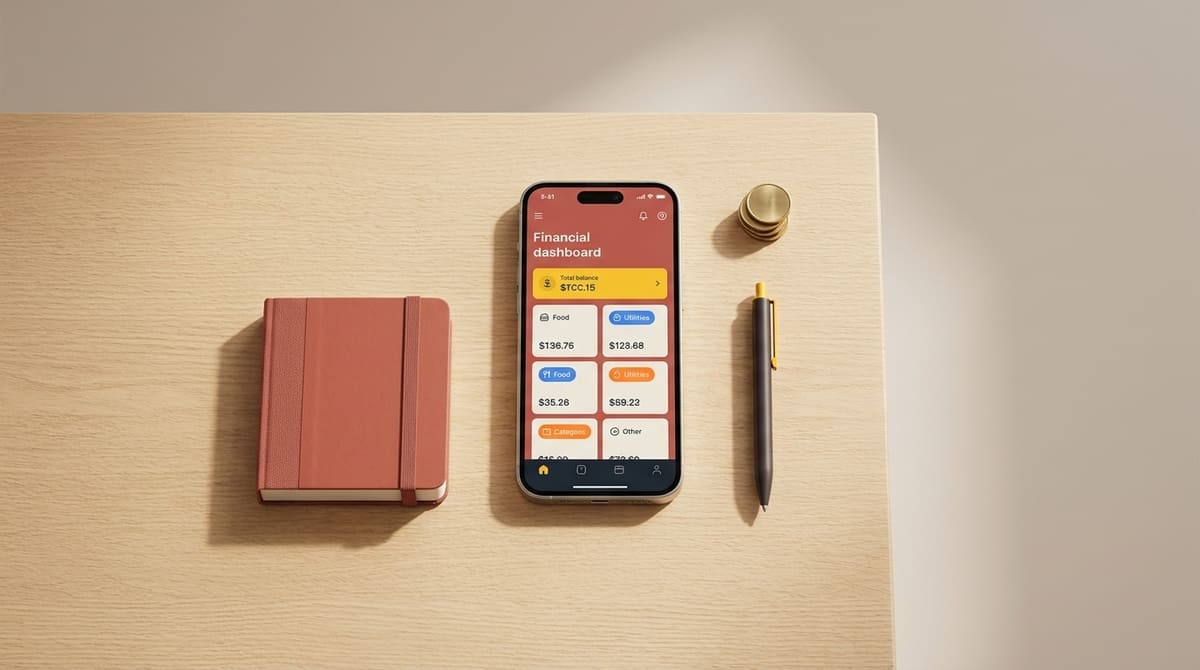
Somebody paid for the groceries. Somebody else covered the electricity bill. Three people chipped in for the cab, one of them in cash, and now nobody remembers the amount. If that sounds like your household, your apartment, or your last trip, you already know why a shared expense tracker app exists. It keeps one honest record of who paid what, so the money conversation stops being a memory test.
Here's the short answer before we go deeper. A shared expense tracker app is a tool where two or more people log expenses into the same ledger, see a running total, and settle up when they want to. The good ones do three things well. They're quick to log into. They keep different kinds of spending separate, and they don't turn every rupee into a debt you owe someone. The bad ones bury you in categories you'll never use, double count transactions, and charge a monthly fee for the privilege.
We built Zedger because the gap between those two groups was wider than it should be. Below is what we've learned about what actually works for families, roommates, travelers, and anyone collecting money from a group.
What a Shared Expense Tracker App Does (and What It Doesn't)
At its simplest, a shared expense tracking app replaces the group chat where everyone types "I paid 840 for the gas cylinder" and hopes someone screenshots it. Each person in the group adds expenses as they happen, and the app stores the entry, tags who paid, notes who it covers, and keeps a total everyone can see on their own phone.
What happens next depends on the app's philosophy, and this is where people get frustrated. Many tools assume every shared expense is a debt that must be assigned, split, and settled. That model works beautifully for a weekend trip with five friends, but it works terribly for a family, where a parent buying school shoes isn't lending anyone money. They just want to see where the month's spending went.
So the honest distinction is this. Splitting and tracking are different jobs. A trip needs splitting. A household usually needs tracking, with the occasional split. A roommate situation needs both, plus a way to handle the same bills repeating every single month. An app that only knows how to do one of these will make you bend your real life to fit its screen.
It's also worth saying what a shared expense tracker doesn't do. It doesn't pay your bills, and it shouldn't need access to your bank to be useful. Logging expenses yourself takes a few seconds, and it gives you a cleaner record than an automated feed that guesses wrong.
Why One Big List Breaks Down Fast
The most common complaint we hear isn't about missing features. It's about mixing. Trip expenses land in the same list as the rent. The gift fund for a colleague's farewell sits next to the grocery run, and within a few weeks, the totals are meaningless because they're adding up four unrelated things.

This is why Zedger uses Books. A Book is a separate ledger with its own members, its own currency, and its own purpose. A Family Book holds household spending for the people who live under one roof. A Trip Book holds the Goa trip and gets closed when everyone's settled. A Recurring Book handles the bills that repeat, rent, internet, the maid's salary, the subscriptions, so you're not retyping the same entries on the first of every month.
Separating things out does something more than tidy up the screen. When categories sit in their own space instead of being folded into one grand total, overspending becomes visually obvious. You can see that eating out quietly doubled this month, because it isn't hiding inside a number that also contains the school fees.
Many people who've abandoned simple trackers for custom spreadsheets say they wanted the categories isolated, because isolation is what makes a problem impossible to ignore. Books also solve the awkward social problem. The housing society collection shouldn't be visible to your travel group, and your roommates don't need to see your family's medical spending. Separate ledgers keep different circles apart, which is less about secrecy and more about basic comfort.
Features That Matter in a Shared Expense Tracking App
Once you've used a few of these tools, you stop being impressed by long feature lists. You start caring about a handful of things that affect you daily.
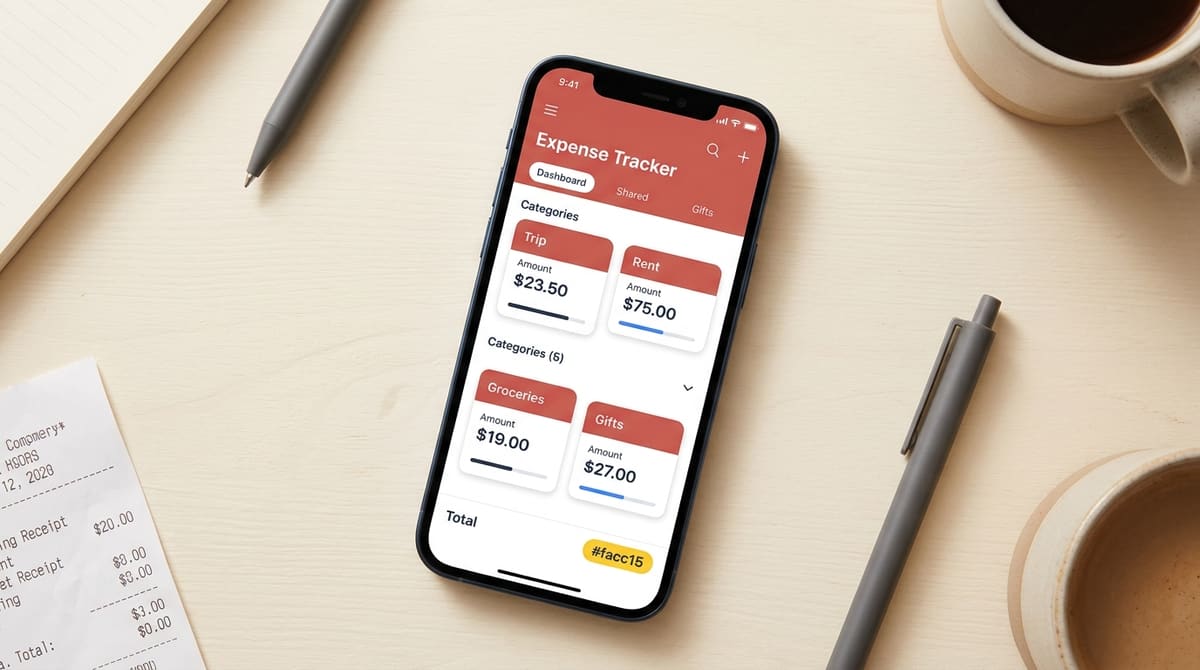
Speed of entry. If adding an expense takes more than a few taps, people stop doing it. A half-filled ledger is worse than none. Look for an app where the amount, the payer, and the category are on one screen.
Offline capability. This one gets ignored until it bites. Hill stations, beaches, international trips where you haven't bought a local SIM yet, these are exactly the places where you're spending the most and have the least signal. Zedger is offline-first. You add expenses with zero connectivity and everything syncs the moment you're back online.
Flexible splitting. Real splits are messy. Four people share a meal but one skipped dessert. Two of six roommates use the air conditioner. A trip where somebody joins on day three. Apps that only offer equal splits force you into side calculations, which defeats the purpose. Zedger handles unequal shares, and Smart Settlements reduces the tangle of who-owes-whom into the fewest possible payments.
Export. Being able to push data into Excel is a fair thing to want. Your records shouldn't be trapped inside one app, whether you need them for a society audit or your own analysis.
No bank linking. We never ask for bank credentials, UPI access, or OTPs, and you shouldn't hand those over casually to any app. Entries are encrypted, we don't sell data, and sensitive information can stay on your device rather than only on a server. For a lot of people, that's the difference between trying an app and deleting it at the signup screen.
What to Watch Out For Before You Commit
A few patterns show up again and again in this category. Knowing them saves you a wasted month.
Automated tracking sounds effortless until the numbers stop matching reality. Apps that pull transactions automatically have a habit of showing the same purchase twice, counting a refund as a spend, or inflating a total in a way nobody can trace. Once you stop trusting the figures, you stop opening the app. Manual entry has a small cost up front and a much better accuracy record. That's why SMS-based automation suits people who want minimal effort, while deliberate, hands-on logging suits people who want control. Neither is wrong, but know which one you are before you choose.
Then there's bloat. Plenty of apps try to be a budget planner, an investment dashboard, and a tracker all at once, and the actual expense logging ends up three menus deep. Some tools marketed as expense trackers barely track expenses at all. If you just need straightforward spending records with a savings goal attached, a focused tool beats a dashboard every time.
Finally, subscriptions. It's reasonable to ask why a simple tracker charges a regular fee when comparable tools are free or close to it. Our view is that the free tier should be genuinely usable, not a three-day tease. Zedger's free plan includes 6 months of expense history, 4 books, and 10 members per book, enough for a family, a flat, and a trip at the same time. If you want more, Pro is $1 per month or $8.99 a year, and VIP is $1.99 per month or $17.99 a year, both saving 25% on the annual plan. The trial doesn't ask for a card, and you can downgrade whenever you want.
Choosing the Right App for Your Situation
Different groups need different things from the same category of tool. Match the app to the problem rather than to the feature list.

Families. You want visibility, not debt tracking. The goal is seeing where the month went and spotting the categories that crept up. A shared budget tracking app that insists on assigning every grocery run as a loan between spouses will annoy you by week two. Many families use Zedger's Family Book for exactly this reason. If you're weighing options, our breakdown of the best family budgeting apps goes through the trade-offs in detail.
Roommates. Your challenge is repetition and tension. Rent, electricity, water, gas, internet, help, the same list every month, with slightly different amounts. A Recurring Book removes the retyping, and having one neutral record removes the arguments. When grocery costs live in an app instead of in someone's head, the friction over who bought what simply disappears.
Travelers. Multi-currency and offline support are non-negotiable, and so is flexible splitting for the person who skipped the scuba diving. An app to keep track of group expenses on a trip should let you close the Book cleanly at the end and settle in a few payments instead of a dozen.
Organizers. Collecting for a gift, a farewell, or society dues is a different job entirely. You need to see who's paid and who hasn't without sending ten individual reminders. That's what the Fundraising Tracker App is for.
If you're looking at apps to track personal expenses alongside group spending, a Book-based structure handles both. Keep one Book private to you, and share the others.
Getting Started Takes About Five Minutes
Start by downloading the app, creating your first Book, and picking its type based on what you're tracking. Add members by sharing the invite, and they won't need to configure anything to start adding expenses. Log the last few shared costs you remember so there's something on the screen, and set up your routine bills once so they stop demanding attention.
Then just use it for a month. That's genuinely the test. If entries are quick enough that you make them at the counter instead of promising to do it later, the app works for you. If the totals look right when you check them against reality, you can trust it.
You can try a shared expense tracker app free of charge on our free plan, and move up only if your group outgrows it.
GET IT ON Google Play · Download on the App Store
Managing money for a housing society or a larger organization? Contact Sales and we'll walk you through a custom setup.
Tags: